First, check your history
Creating a clip usually takes a few minutes. If it seems stuck, first open your face-swap history in your account and refresh the page — the clip may already be ready, and only the waiting page was stuck.
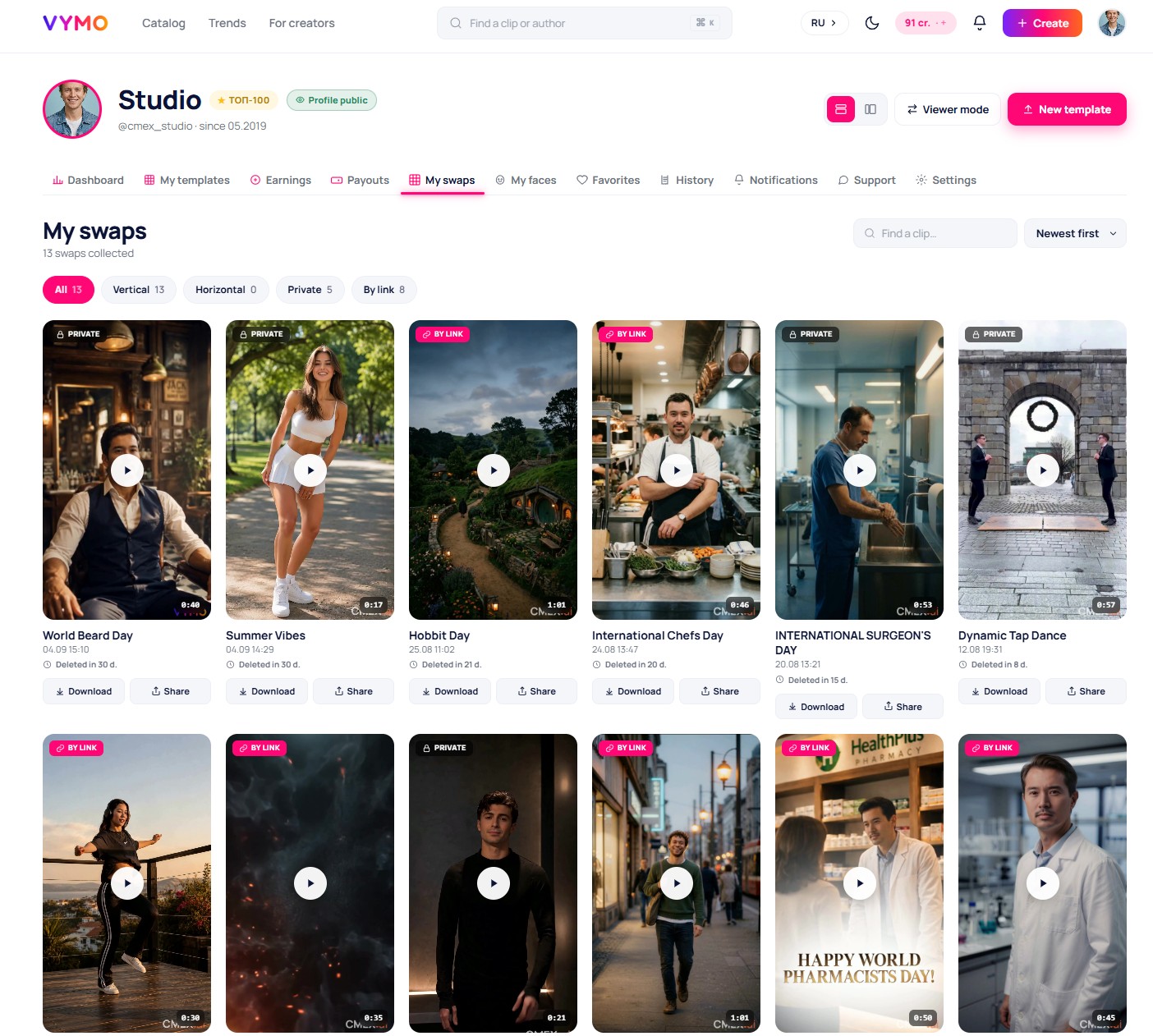
If the clip stays in processing
Under heavy load, creation can take a little longer. Wait a bit and check the history again — you do not have to keep the page open, the clip finishes on the server.
If an error appears
Sometimes a face-swap ends with an error because of a temporary glitch or because the face in the photo was poorly detected. What usually helps:
- upload a sharper front-on photo in good light — this is the most common cause of failures;
- make sure the face is not covered by glasses, a mask, or hair;
- run the face-swap again — often it goes through on the second try.
Detailed photo requirements are in the article «Photo upload and requirements».
If a credit was charged but there is no clip
If a credit was deducted from your balance but the clip was never created because of a glitch, the credit is not refunded automatically. Write to support at support@vymo.site, give the approximate time of the face-swap and the clip name — we will return the credit manually.
The result came out but you do not like it
If the clip was created but the resemblance did not satisfy you — that is not a failure but a feature of face-swapping. Try a new face-swap with a different, higher-quality photo or a different clip. What affects quality is covered in the article «Video quality and the watermark».