How long to wait
Creating a clip usually takes a few minutes, and often less. The exact time depends on the clip length and the current load on the service. You do not need to keep the page open: the render runs on our servers, and you can come back for the result later.
Face-swap statuses
While the clip is being created, it goes through several states:
- Queued — the task is accepted and waiting for a free processing slot.
- Processing — the face-swap is running; progress is shown on screen as a percentage.
- Ready — the clip is created and can be watched, downloaded, and shared.
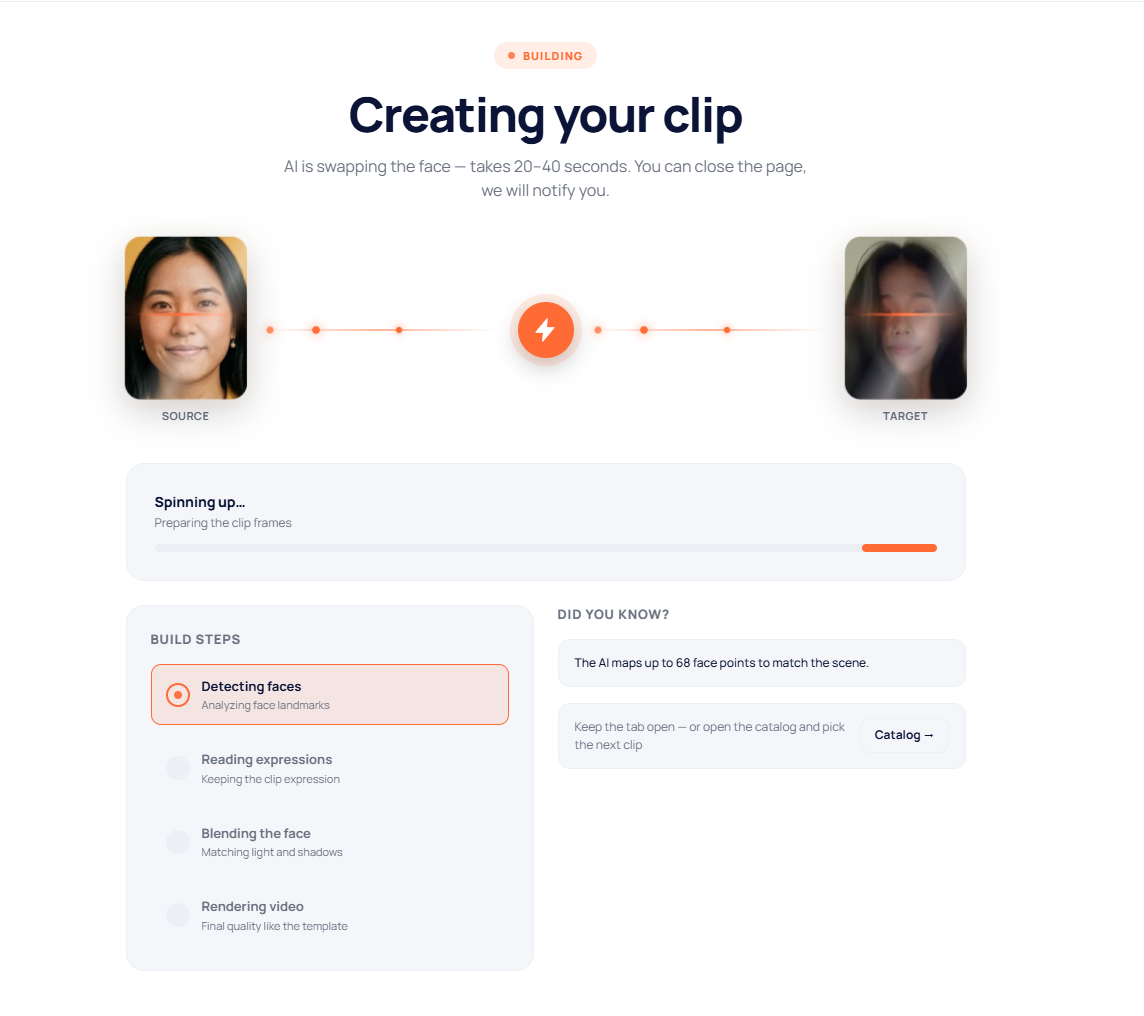
What you see during processing
The creation screen shows a progress bar and short stage captions — face detection, expression analysis, video creation, final touches. These are just visual hints about what is happening; rely on the completion percentage.
How you learn the clip is ready
When the clip is ready, you get a notification — in your account (the bell icon) and by email, if ready-notifications by email are enabled. A finished clip can always be found in your face-swap history in your account.
If something goes wrong
If a clip stays in processing for a long time or an error message appears, it is usually due to a temporary glitch. What to do in that case is described in the article «What to do if a render fails».