How many faces are supported
In a single clip you can replace up to 4 faces at once. This is handy for clips with several characters — for example, a scene with two people: you can put in yourself and a friend.
What the number of faces depends on
The number of available slots is set by the clip itself. If the template has one character, one face is replaced. If there are two or more characters, several slots appear, and each can be replaced separately (up to four).
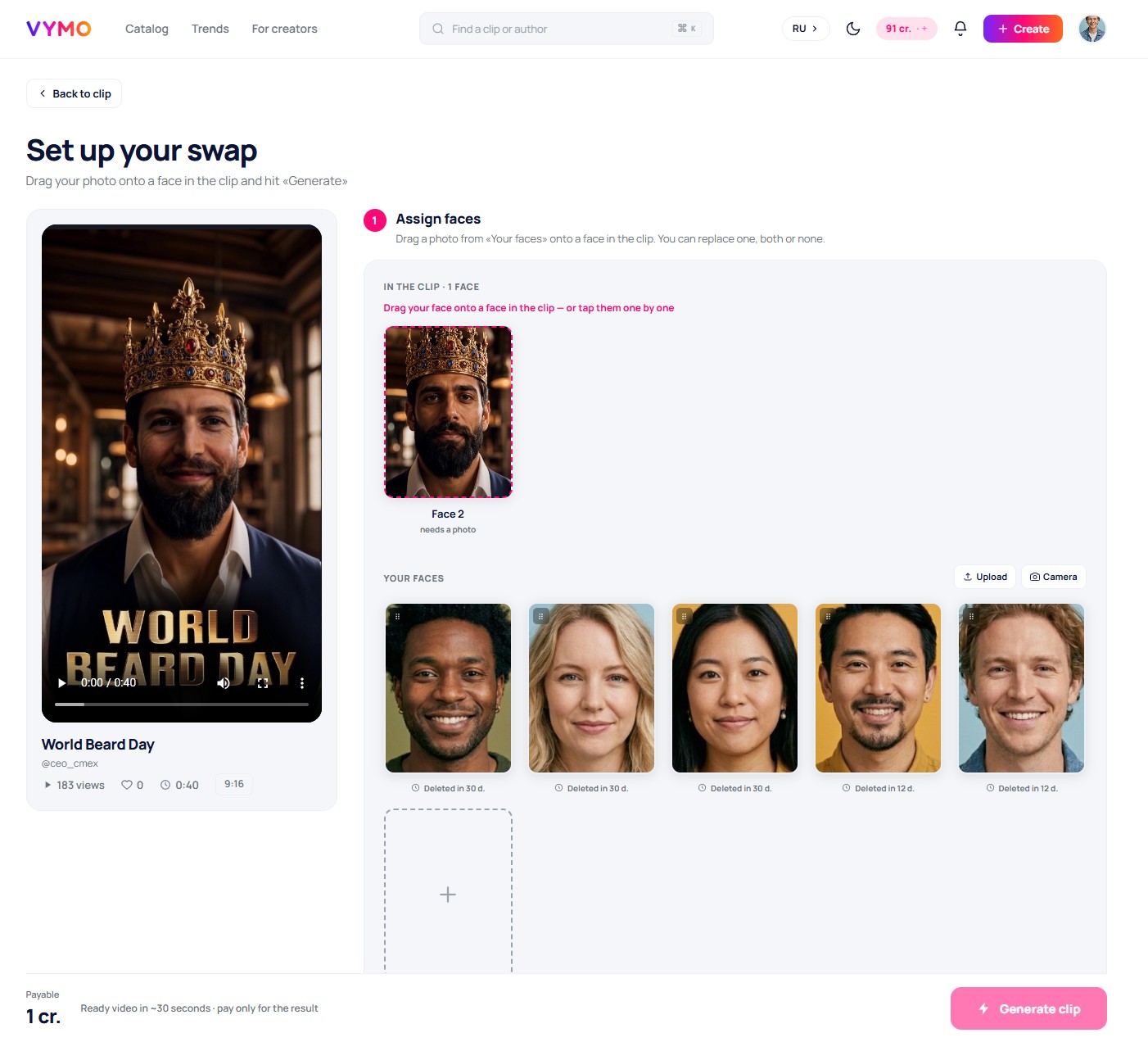
How to assign several faces
- Open the try-on of a clip with several characters.
- For each face detected in the clip, choose your photo — you can upload a new one or use a saved one.
- Different characters can be assigned different faces — for example, yourself in one role, a friend in another.
- Start the creation — the service replaces all the assigned faces in a single pass.
How much it costs
The cost depends on the clip, not on the number of faces replaced: the price per face-swap is the same whether you change one face or four.
Good to know
You can store up to 20 faces in your account — handy when you often put in yourself and the people close to you. How to add and remove faces is in the article «Photo upload and requirements».